
Goal: from sign-in to your first useful answer in five minutes.
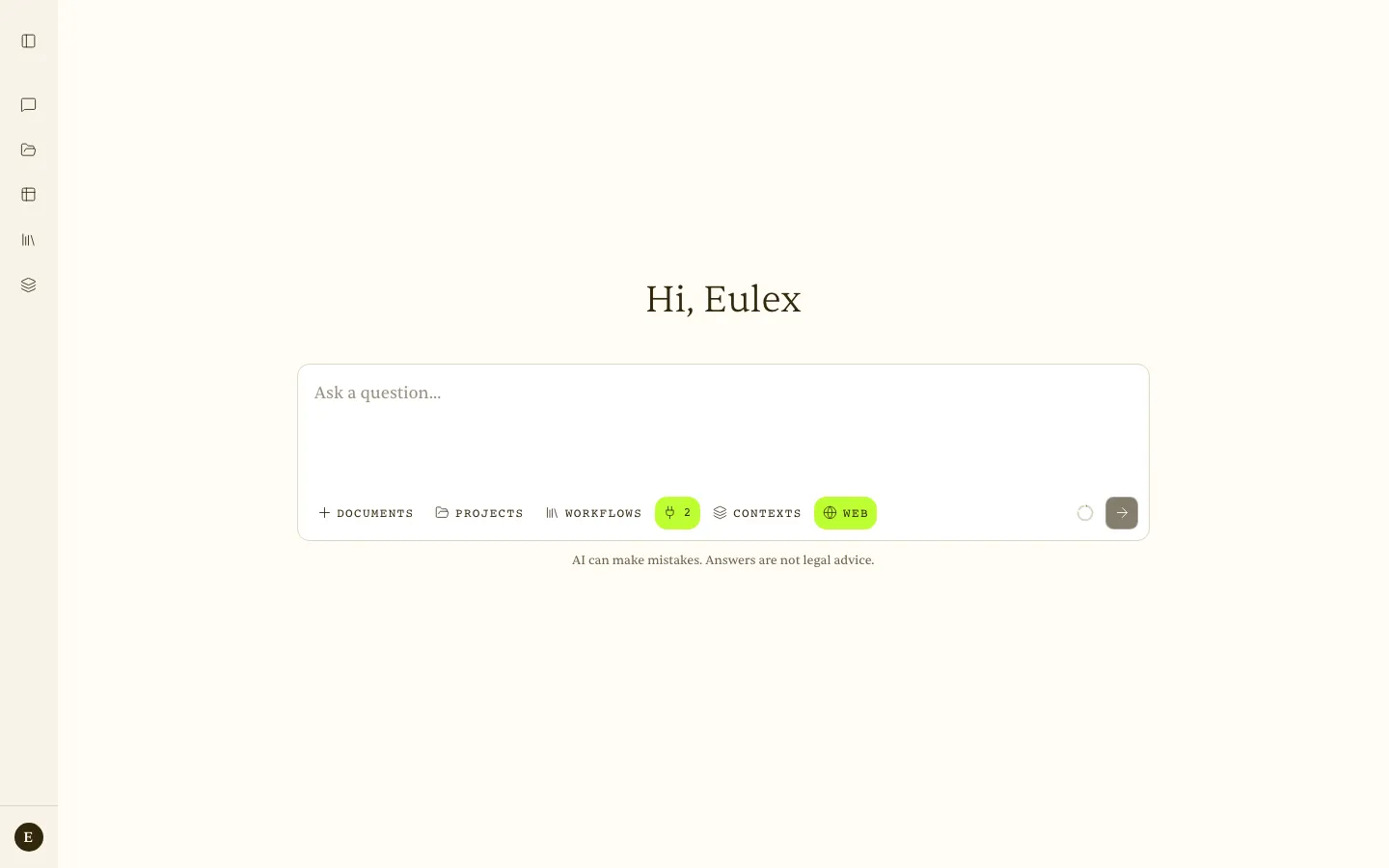 Home screen — the question field with Documents, Projects, Workflows, Context (legislation), Contexts, and Web.
- Sign in — open max.eulex.ai and sign in with your Eulex account. Single sign-on, with no separate password for Eulex Desk. If you prefer, choose Email me a sign-in link: open the link in the same browser, or type the 8-digit code from the email.
- Ask your first question — type a question in Croatian or English in the field at the bottom and press Enter. For example, “What are the notice periods for terminating an indefinite-term employment contract?”
- Attach a document (optional) — click + Documents to add a PDF or Word file. Eulex Desk reads it and cites passages back to the page in its answer.
- Read the answer with citations — markers such as ¹, ², ³ appear in the text. Clicking one opens the exact source, page, and verbatim quote.
- Continue the conversation — ask a follow-up question. Eulex Desk remembers the context of the conversation and the attached documents.
Note — Eulex Desk is an assistive tool. Its answers do not constitute legal advice. Always check the citations and key references before relying on them in practice.
